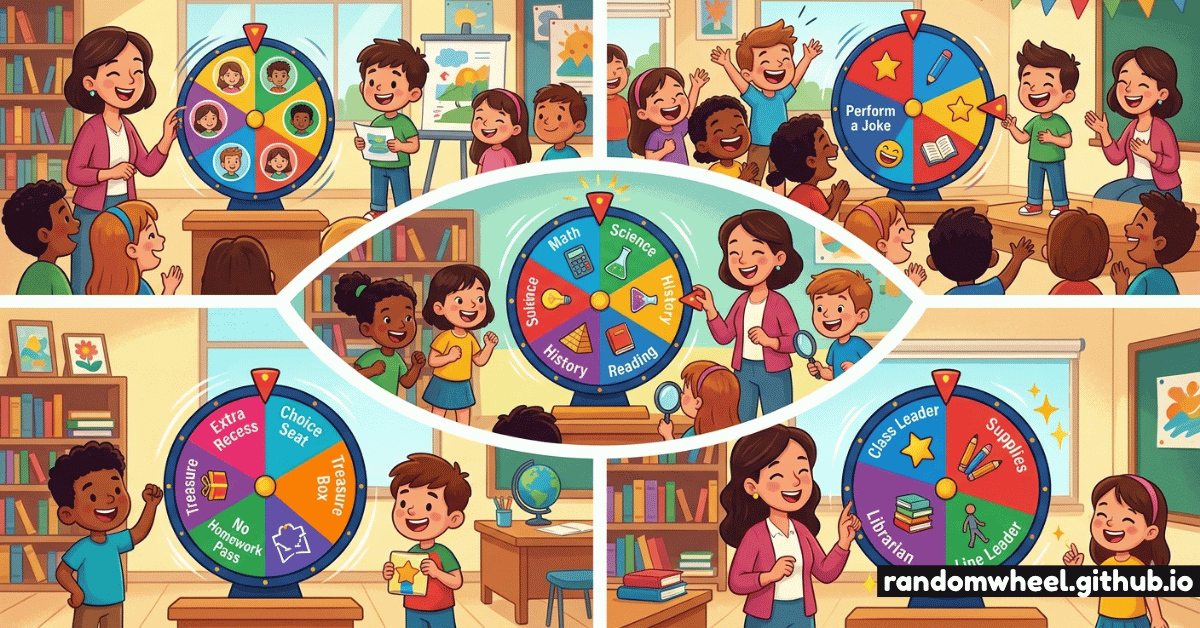
If you're a teacher searching for fresh ways to energize your lessons, a random wheel spinner might be the most underutilized tool in your digital toolkit. Whether you're managing class participation, creating spontaneous learning moments, or simply trying to pick a student fairly, spin wheels turn routine classroom tasks into something students actually look forward to.
In this guide, we'll walk through 12 creative, classroom-tested ideas for using a free online wheel spinner — from daily warm-ups to summative reviews. Let's spin things up!
You don't need any special software. A free browser-based spin wheel — like the one on this site — works on any device, including interactive whiteboards, tablets, and smartphones.
01. Why Random Wheel Spinners Work in Education
Before diving into specific ideas, it's worth understanding why randomness is pedagogically powerful. Research in cognitive science suggests that unpredictable reward structures — the same principle behind gamification — increase dopamine engagement. When students don't know who'll be called on next, attention sharpens across the whole room.
Additionally, spin wheels eliminate perceived teacher bias. Students accept the outcome of a wheel spin more readily than a teacher's hand-raised call. It's fair, fast, and fun.
"When the wheel decides, students stop thinking 'why does she always pick the same kids?' — everyone's in the game."
02. Cold-Call Participation — Without the Dread
The classic use case. Add every student's name to the wheel and spin it when you want a volunteer. The key is framing: position it as exciting, not anxiety-inducing. Consider a "lifeline" rule — any student spun can pass once per week. This preserves the randomness while reducing participation anxiety.
Best practices for name picker wheels:
- Use the "remove after pick" option so every student gets called once before any repeat
- Colour-code names by table group to balance group discussion
- Keep the wheel visible on a projector so students can see who's left
03. 12 Creative Classroom Wheel Ideas
Here's where things get truly exciting. These ideas span every subject and age group:
Vocabulary Roulette
Load 10–15 vocab words. The spun word gets defined, used in a sentence, and illustrated on the board.
Math Fact Sprint
Numbers 1–12 on the wheel. Spin twice to generate a multiplication or addition problem to solve in 10 seconds.
Country Deep-Dive
Geography class? Spin a country name and spend 3 minutes finding its capital, population, and one fun fact.
Drama Prompt Wheel
Scenarios like "You're a detective", "It's 1820", "You speak only in questions" — spin for instant improv fun.
Lab Role Randomizer
Assign "recorder", "materials manager", "presenter", "tester" roles randomly each session for fair lab rotations.
Writing Prompt Spinner
Creative writing topics on the wheel — spin at the start of free-write Friday and let imaginations run wild.
Bonus Point Wheel
Correct answers earn a spin at the bonus wheel: "5 extra points", "choose your seat", "homework pass", "free spin".
Discussion Starter
Ethical dilemmas, debate topics, or "would you rather" scenarios — perfect for sparking critical thinking discussions.
04. Gamified Review Sessions
Spin wheels truly shine during test review. Create a wheel with different review question categories — "True/False", "Explain in 30 seconds", "Draw it", "Teach it to a partner". Spin the category, then ask a question from that style. This breaks the monotony of traditional Q&A review and keeps all learning styles engaged.
For whole-class reviews, try a team-based format: spin a team name first, then spin a question type. Teams compete for points. The unpredictability of which team gets which question type adds strategic excitement.
05. Managing Transitions and Routines
Beyond content delivery, wheel spinners are brilliant classroom management tools. Use them for:
- Line leader selection — fair, fast, no arguments
- Classroom jobs — "board eraser", "plant waterer", "paper collector" rotated weekly
- Early finisher activities — spin to choose from enrichment options
- Brain break picker — "stretch", "silent read", "doodle", "mindfulness minute"
Ready to try it in your class? 🎡
Our free classroom wheel works on any device, no login required. Customize it with your students' names in seconds.
Launch Free Wheel Spinner06. Pro Tips for Maximum Classroom Impact
After hearing from hundreds of educators, here are the tips that make the biggest difference:
- Name your wheel. "Ms. Johnson's Lucky Wheel" creates ownership and makes it feel special.
- Include "Wildcard" segments. Mystery options like "class choice" or "ask a friend for help" add delightful unpredictability.
- Use sound. The ticking spin sound dramatically increases the excitement — don't mute it!
- Celebrate every spin. A small round of applause for whoever gets picked reframes it as recognition, not exposure.
- Save and share. Create subject-specific wheels and bookmark them — no re-entry needed each lesson.
07. Wheel Spinners in the Digital-First Classroom
For teachers running hybrid or fully remote classes, a browser-based wheel spinner is a seamless inclusion in any Zoom, Google Meet, or Teams session. Share your screen and let students call out their guess before the wheel stops — it recreates the physical classroom energy in a digital environment.
Many teachers have also integrated wheel spinners into Google Classroom assignments, embedding a link to a pre-configured wheel students can spin independently during center rotations or self-paced activities.